Badge Revocation and Replacement
Respond to lost badges and changing access needs with straightforward revocation and replacement tools.
Badge Revocation and Replacement
Respond to lost badges and changing access needs with straightforward revocation and replacement tools.
- Mark a badge lost or deactivate its credential
- Use employee status controls for suspension or termination
- Issue a replacement and retire the previous credential
Built for your team
Handle lost badges with a clear next step
Give your team a practical way to respond when a card goes missing or an employee’s access changes.
Explore what this could look like for your organization in a tailored demo.
Take action from one place
Mark the badge lost, deactivate it or update the employee’s status.
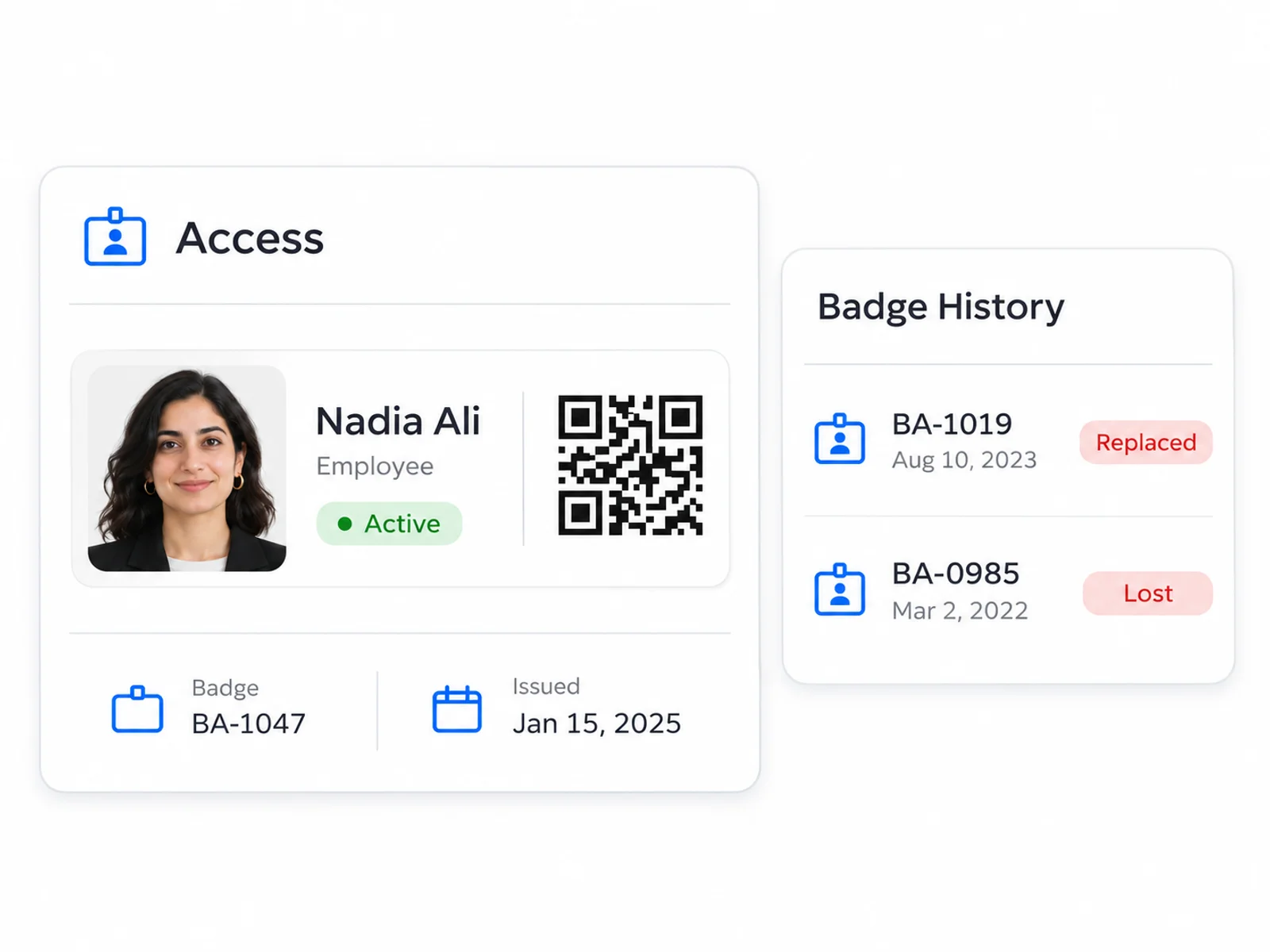
Make replacement easier to follow
Issue a new card while keeping the earlier badge in the history.
Keep checks informed
Connected checks use current badge information; offline devices update when they reconnect.
More ways to use Access
See Access in action
Join forward thinking teams using Access to streamline their operations.