Public QR Verification
Let a quick badge scan show who a person is and whether their badge is valid.
Public QR Verification
Let a quick badge scan show who a person is and whether their badge is valid.
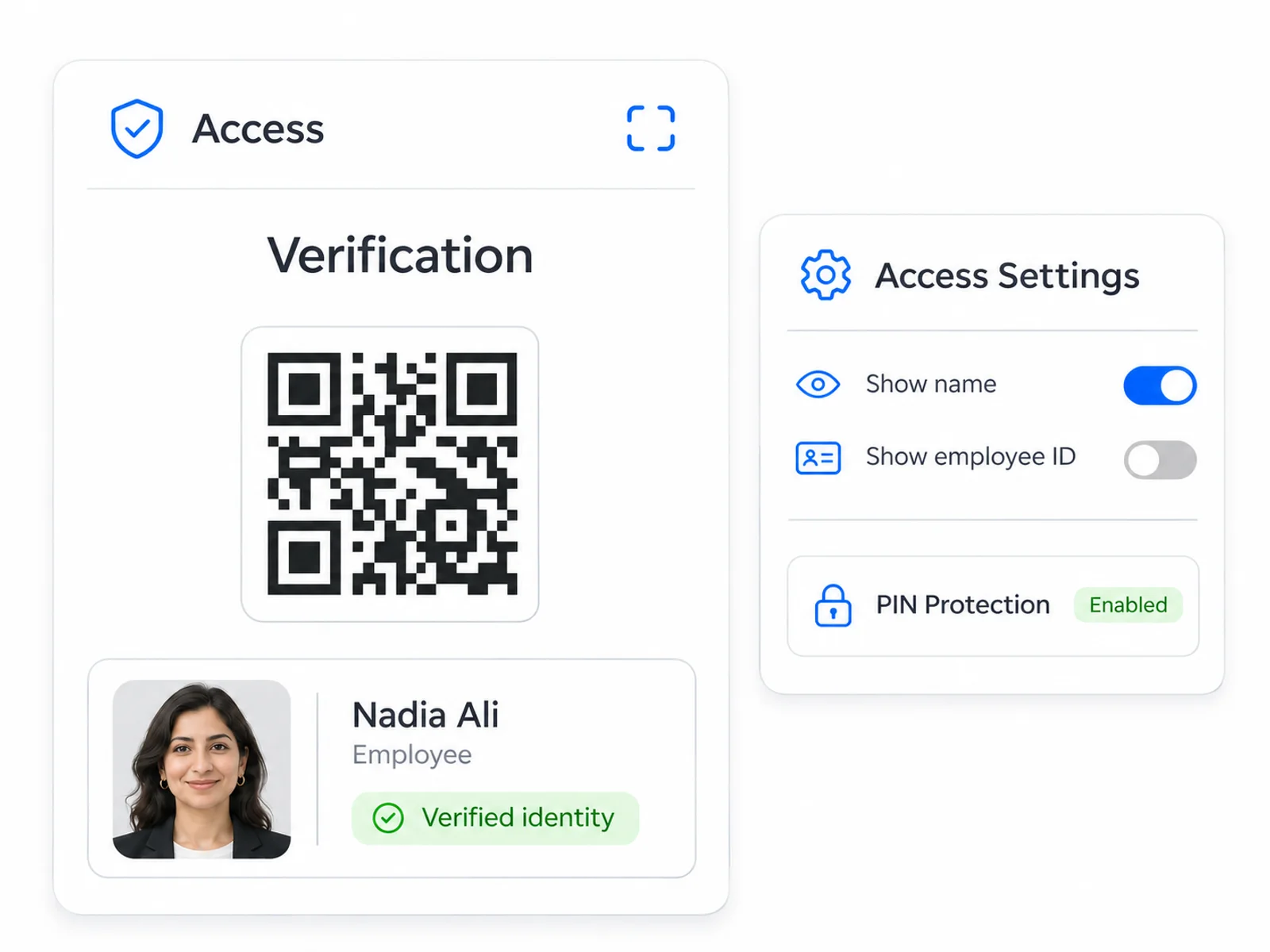
- Show the employee photo and chosen details
- Make badge status clear after a scan
- Choose what is shared and add PIN protection
Built for your team
Turn a badge scan into a clearer decision
Help the people checking a badge see the identity details they need, with a presentation that feels like your organization.
Explore what this could look like for your organization in a tailored demo.
Recognize the person in front of you
Show the employee photo and the identity information your organization chooses.
Make badge status easy to understand
Give the viewer a clear result when a badge is valid, lost or restricted.
Share the details that matter
Choose what appears publicly and add PIN protection where appropriate.
More ways to use Access
See Access in action
Join forward thinking teams using Access to streamline their operations.